
Cybersecurity is no longer a concern reserved for large corporations. South African small and medium-sized businesses are increasingly becoming targets for cybercriminals because they often lack the robust security measures of larger organizations.
A successful cyberattack can result in data loss, operational downtime, reputational damage, and significant financial costs. The good news? Many cyber incidents can be prevented by regularly auditing your IT environment and identifying vulnerabilities before cybercriminals do.
At Black Bean, we help businesses strengthen their security posture through proactive IT support, cloud solutions, and cybersecurity best practices. Use this simple checklist to assess whether your business is adequately protected.
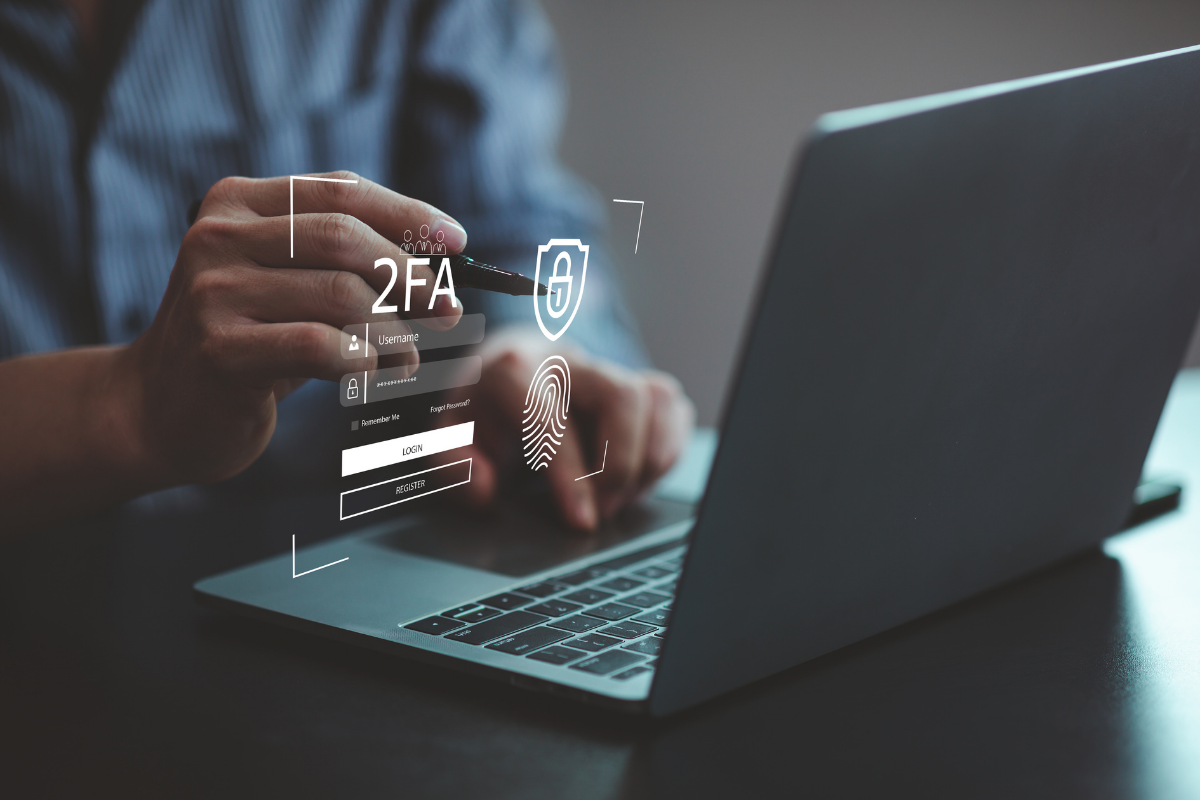
1) Is Multi-Factor Authentication (MFA) Enabled?
Passwords alone are no longer enough. Multi-Factor Authentication adds an extra layer of security by requiring users to verify their identity using a second method, such as a mobile authenticator app or SMS code.
Audit Checklist:
✔ MFA enabled for all Microsoft 365 accounts
✔ MFA enabled for business-critical applications
✔ Administrator accounts protected with MFA
Black Bean Tip: If your business uses Microsoft 365, enabling MFA is one of the quickest and most effective ways to reduce cybersecurity risk.
2) Have You Reviewed User Permissions?
Many businesses grant employees access to systems they no longer need. This creates unnecessary security risks and increases the potential impact of compromised accounts.
Audit Checklist:
✔ Former employees removed from all systems
✔ Administrative privileges assigned only where necessary
✔ User permissions reviewed quarterly
A simple permissions audit can dramatically reduce your attack surface.
3) Are Your Microsoft 365 Security Settings Properly Configured?
Many organizations invest in Microsoft 365 but fail to take advantage of its built-in security features. Cybercriminals frequently target Microsoft 365 environments because email remains one of the most common attack vectors.
Audit Checklist:
✔ Email spam filtering enabled
✔ Anti-phishing policies configured
✔ Safe Links and Safe Attachments enabled
✔ Conditional Access policies reviewed
4) Are Your Backups Tested Regularly?
Having backups is important. Knowing they actually work is essential. Many businesses discover backup issues only when they need to restore data after a cyberattack, hardware failure, or accidental deletion.
Audit Checklist:
✔ Daily backups completed successfully
✔ Backup reports reviewed regularly
✔ Test restores performed quarterly
✔ Critical business data included in backups
5) Have Your Employees Received Cybersecurity Awareness Training?
Technology can only do so much. Employees are often the first line of defense against phishing attacks, malicious downloads, and social engineering attempts.
Audit Checklist:
✔ Staff trained on phishing awareness
✔ Employees understand password best practices
✔ Security awareness training updated annually
✔ Suspicious emails reported correctly
Even a well-protected network can be compromised by a single careless click.
6) Are All Devices Running the Latest Software Updates?
Outdated software creates opportunities for attackers to exploit known vulnerabilities. Regular patch management is one of the most important cybersecurity practices for any SME.
Audit Checklist:
✔ Operating systems fully updated
✔ Third-party applications patched regularly
✔ Firmware updates applied where required
✔ Unsupported software removed
Businesses that delay updates often expose themselves to avoidable security risks.
7) Is Endpoint Protection Monitoring All Business Devices?
With employees working from multiple locations, the traditional office perimeter no longer exists. Every laptop, desktop, and mobile device should be actively monitored and protected.
Audit Checklist:
✔ Antivirus software installed and monitored
✔ Endpoint Detection and Response (EDR) solutions implemented
✔ Devices managed centrally
✔ Security alerts reviewed regularly
A single compromised device can provide attackers with access to your entire network.
8) Is Remote Access Secure?
Remote and hybrid work have become standard for many businesses. Unfortunately, remote access can become a major vulnerability when not properly secured.
Audit Checklist:
✔ VPN or secure access solutions implemented
✔ Remote Desktop Protocol (RDP) protected
✔ MFA required for remote access
✔ Unused remote access accounts removed
Remote workers should have the same level of protection as office-based employees.
9) Are Your Password Policies Strong Enough?
Weak passwords remain one of the easiest ways for cybercriminals to gain access to business systems.
Audit Checklist:
✔ Passwords are unique and complex
✔ Password manager in use
✔ Shared passwords eliminated
✔ Passwords updated after security incidents
Businesses should discourage simple passwords and password reuse across multiple accounts.
10) Do You Have an Incident Response Plan?
Most businesses focus on preventing cyberattacks. The smartest businesses also prepare for what happens if one occurs. A documented response plan helps reduce downtime, confusion, and financial losses during a cyber incident.
Audit Checklist:
✔ Incident response procedures documented
✔ Key stakeholders identified
✔ Emergency contacts maintained
✔ Recovery processes tested regularly
When every minute counts, preparation makes all the difference.
Common Cybersecurity Red Flags
If any of these apply to your business, it may be time for a comprehensive security review:
- Employees share passwords.
- Backups have never been tested.
- Former staff still have account access.
- Devices are running outdated software.
- No MFA is enabled.
- Staff have never received cybersecurity training.
- No disaster recovery plan exists.
- IT security issues are addressed only after problems occur.
How Black Bean Can Help
Managing cybersecurity can be challenging for growing businesses. Threats evolve constantly, and keeping systems secure requires ongoing attention, expertise, and proactive monitoring.
At Black Bean, we help South African businesses reduce cyber risk through:
- Managed IT Services
- Microsoft 365 Solutions
- Cloud Migration Services
- Backup and Disaster Recovery
- Network Security Monitoring
- Proactive IT Support
Whether you’re looking to improve your Microsoft 365 security, strengthen your backup strategy, or implement a complete cybersecurity framework, our team can help you build a more resilient business.
Final Thoughts
Cybersecurity is not a one-time project. It is an ongoing process that requires regular reviews, continuous improvement, and expert guidance.
By auditing these ten areas regularly, South African SMEs can significantly reduce their risk of cyberattacks, improve business continuity, and protect the data that keeps their business running.
If you’re unsure where your business stands, Black Bean can perform a comprehensive IT and cybersecurity assessment to identify vulnerabilities and recommend practical solutions before they become costly problems.
Ready to improve your cybersecurity? Contact Black Bean today for a professional IT security assessment.


